Large-Screen Data Visualization
Expanding chart explorations from dashboard work into more complex large-screen scenarios
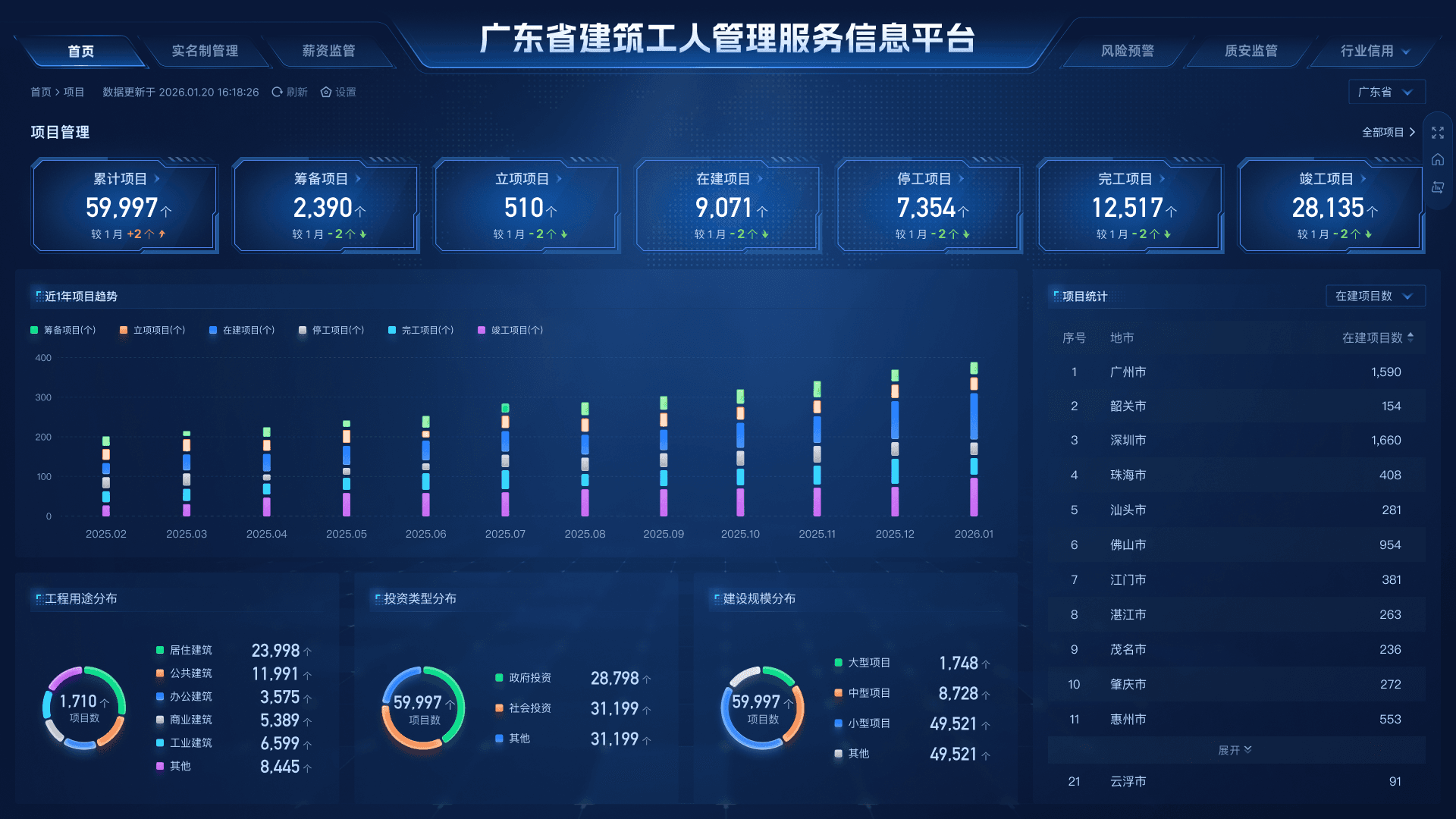
Project Background
In earlier projects, AnxinZhu had supported construction dashboards for provincial, city, and district-level government units in Guangdong. This project aimed to unify those three design directions into one visual system, reduce design debt, and make future business expansion easier.
For me, integrating the provincial, city, and district dashboards involved two main design tasks:
- Unify the three dashboard versions under a tight timeline and through cross-functional collaboration
- Extend the chart visual language previously explored in the CMS home dashboard to a broader set of scenarios
Problem Definition
The design challenge in this project came mainly from four areas:

Consolidate visual directions that had gradually diverged over time

Keep the provincial, city, and district pages visually consistent

Reduce visual drift in charts during multi-person collaboration

Extend the new chart visual language across all large screens
So I was paying attention not only to the completeness of individual modules, but also to whether the full visual language could land consistently.
Design Goals
This project created design value across three layers:
Visual Layer
Make charts more recognizable and expressive in large-screen contexts, creating a cohesive visual tone
Collaboration Layer
Reduce style drift and communication overhead through rules and reusable components, improving delivery consistency across the team
System Layer
Elevate charts and metric modules from one-off page design into reusable assets so the visual language can carry across projects
Design Practice
From visual exploration to scalable application
Defining a new chart visual language
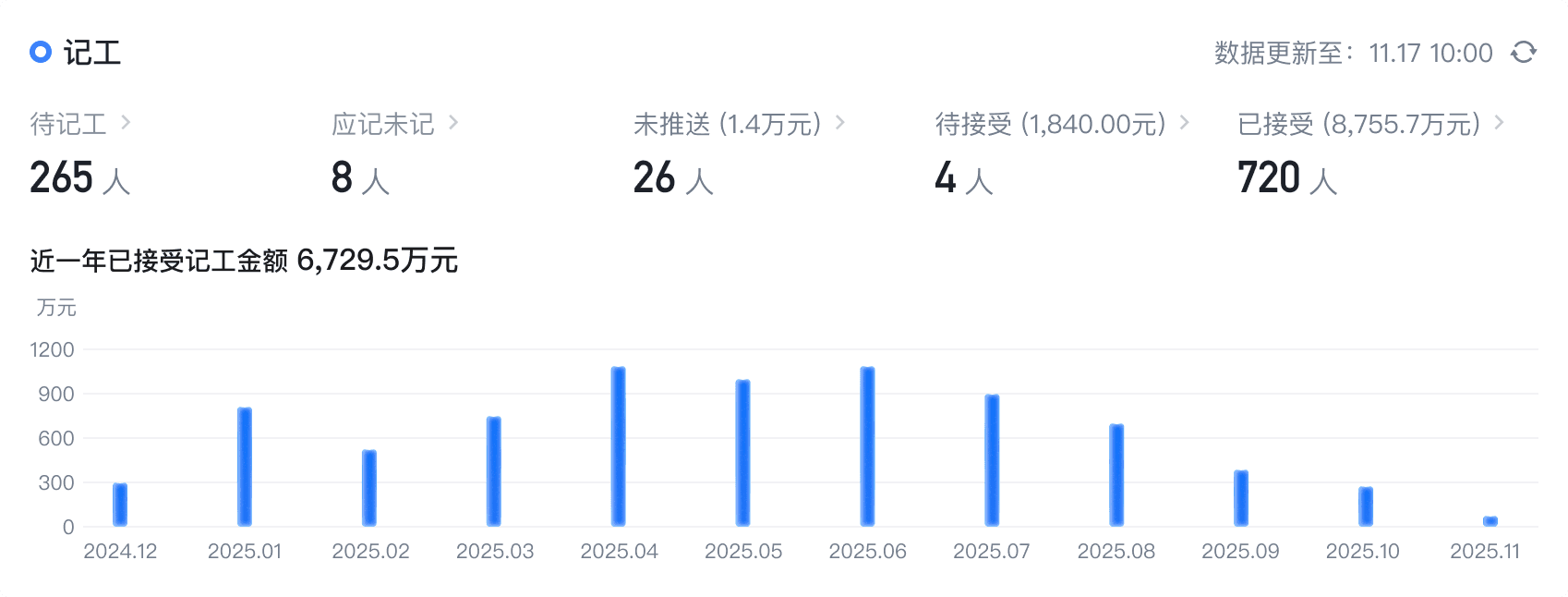
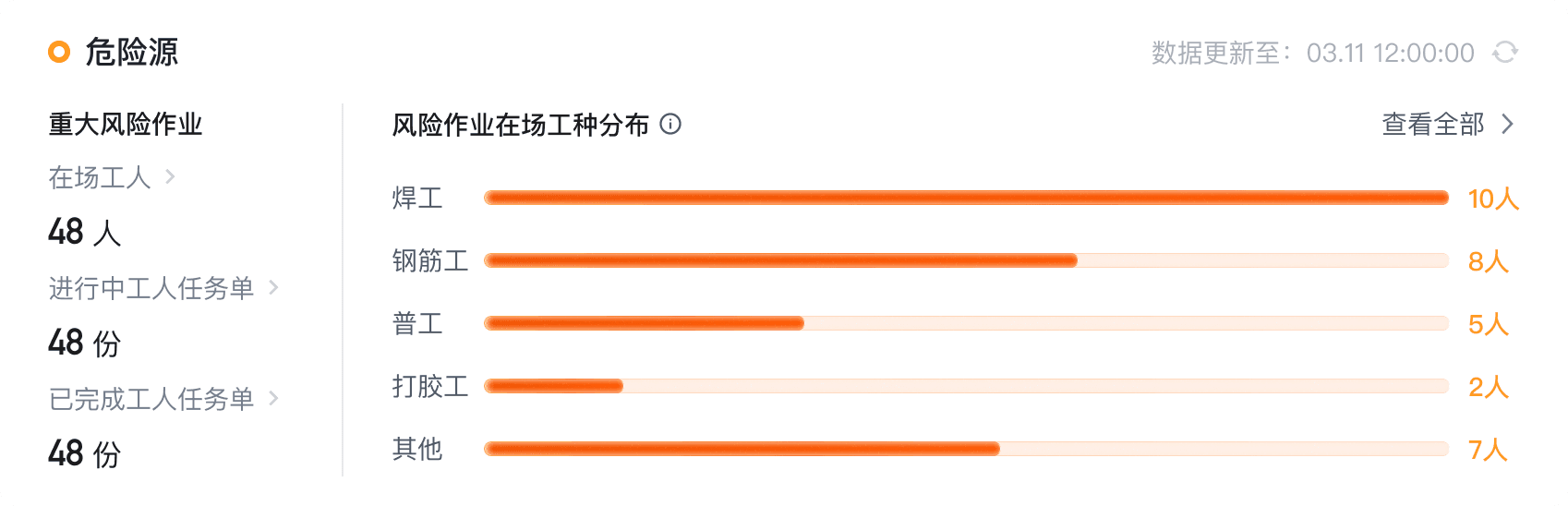
The chart's “jelly-like” effect in this project came from an earlier visual exploration in the CMS home dashboard optimization project. At the time, the original chart style felt too flat, lacked presence, and could not create a strong enough data focus on the homepage, so the team was asked to explore a more expressive direction.
I led the exploration and refinement of the chart visual direction, working through volume, gloss, color layering, and ways to emphasize key data. That effort eventually produced the jelly-like visual language that kept being reused later. After being reviewed by the lead and presented upward, the approach was approved, rolled out to later projects, and gradually became one of the team's core visualization languages.
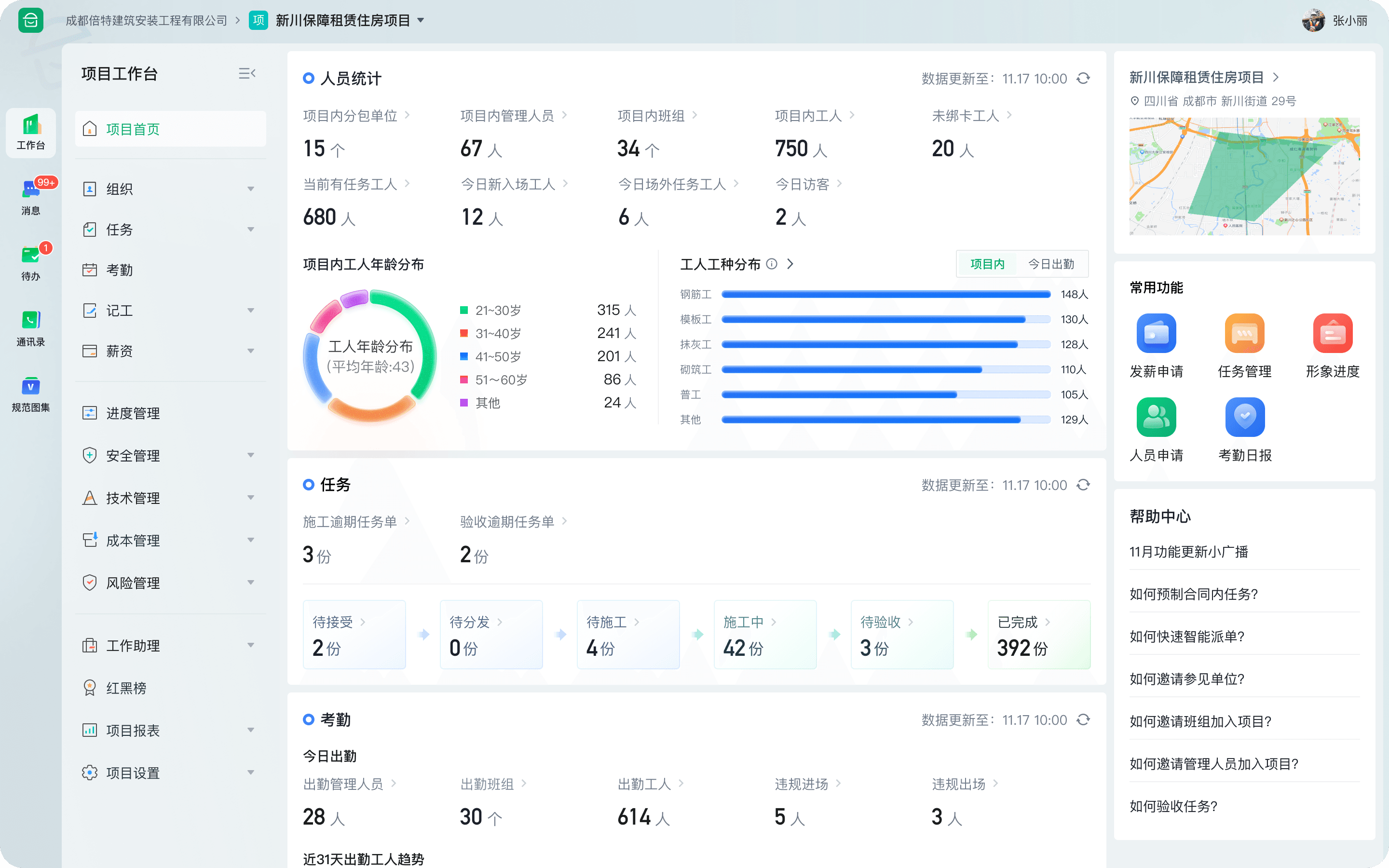
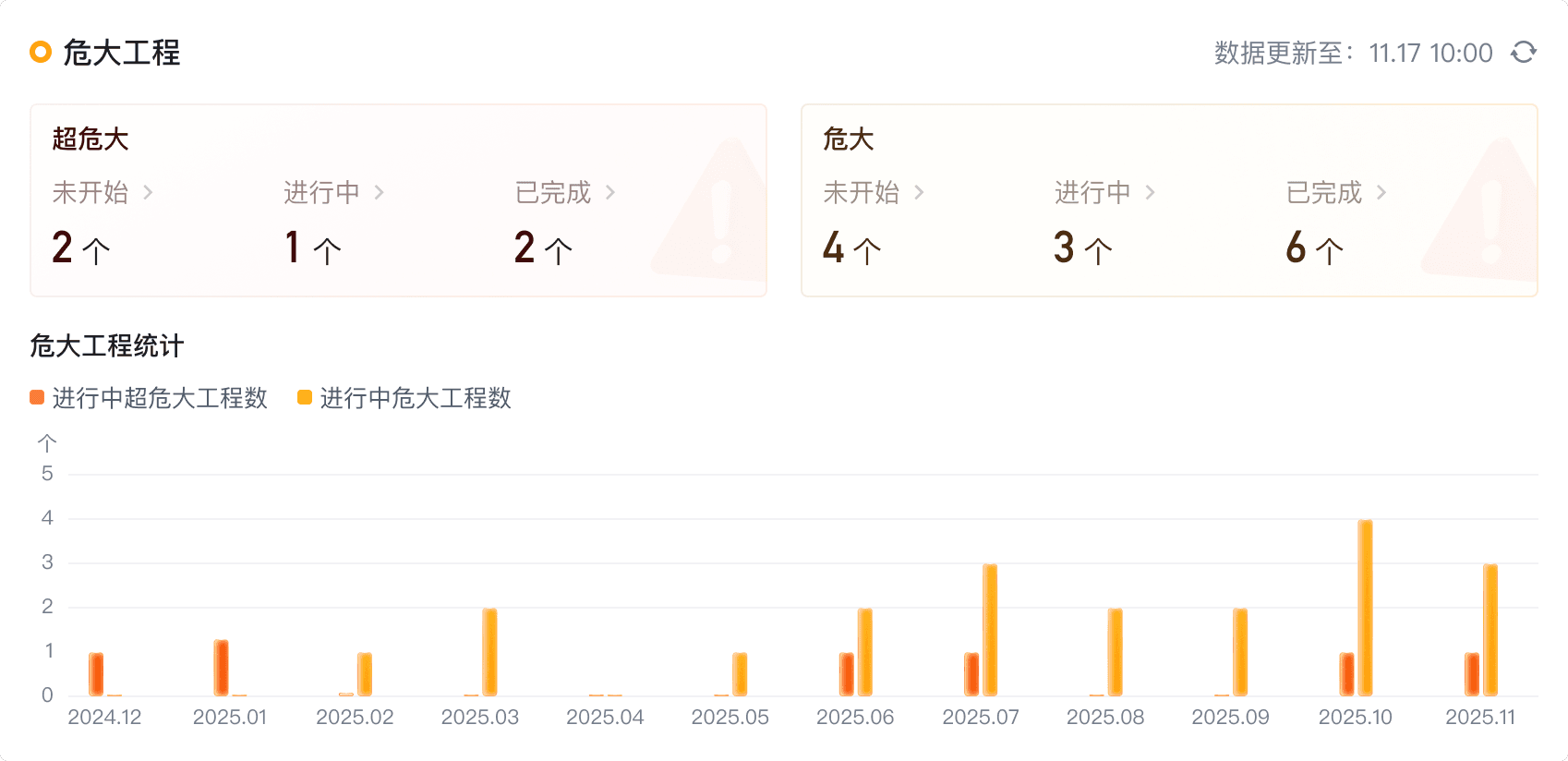
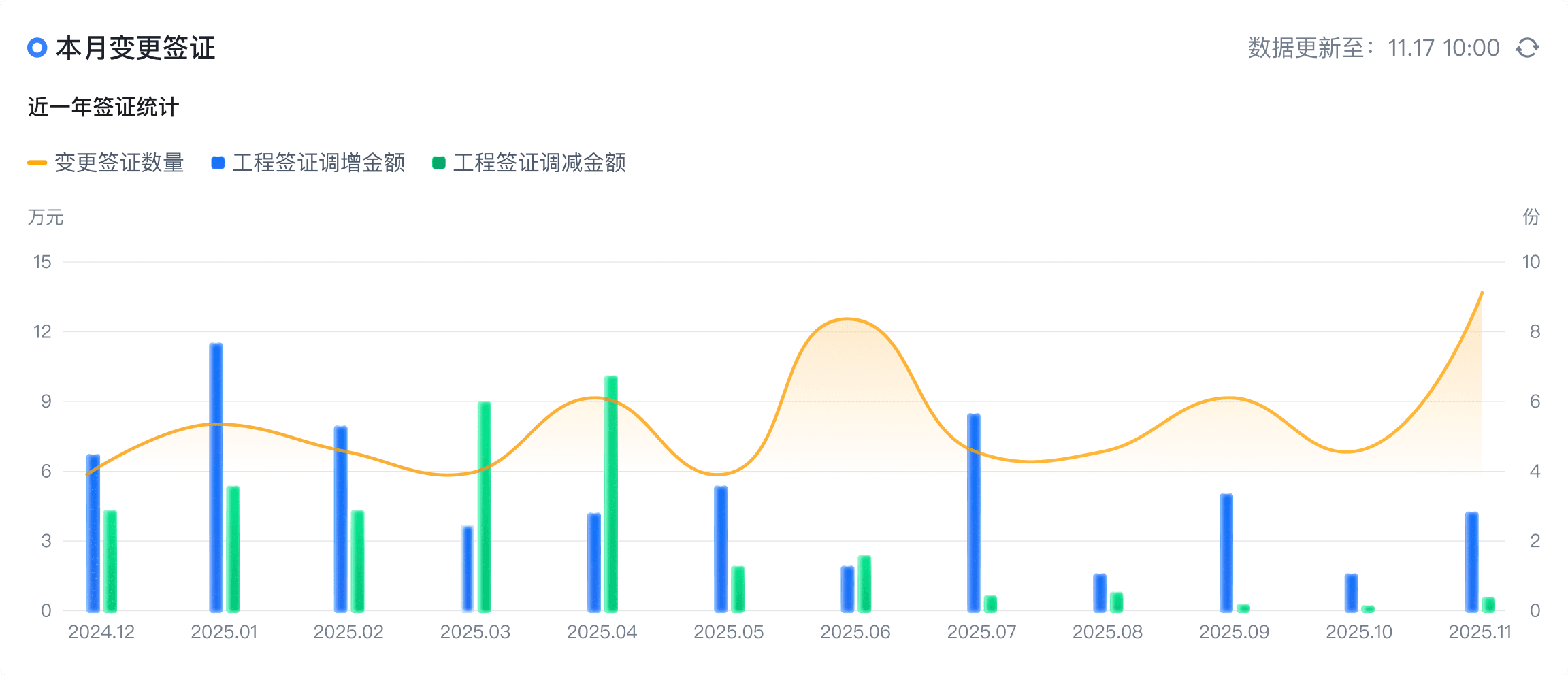
Visual Language Expansion
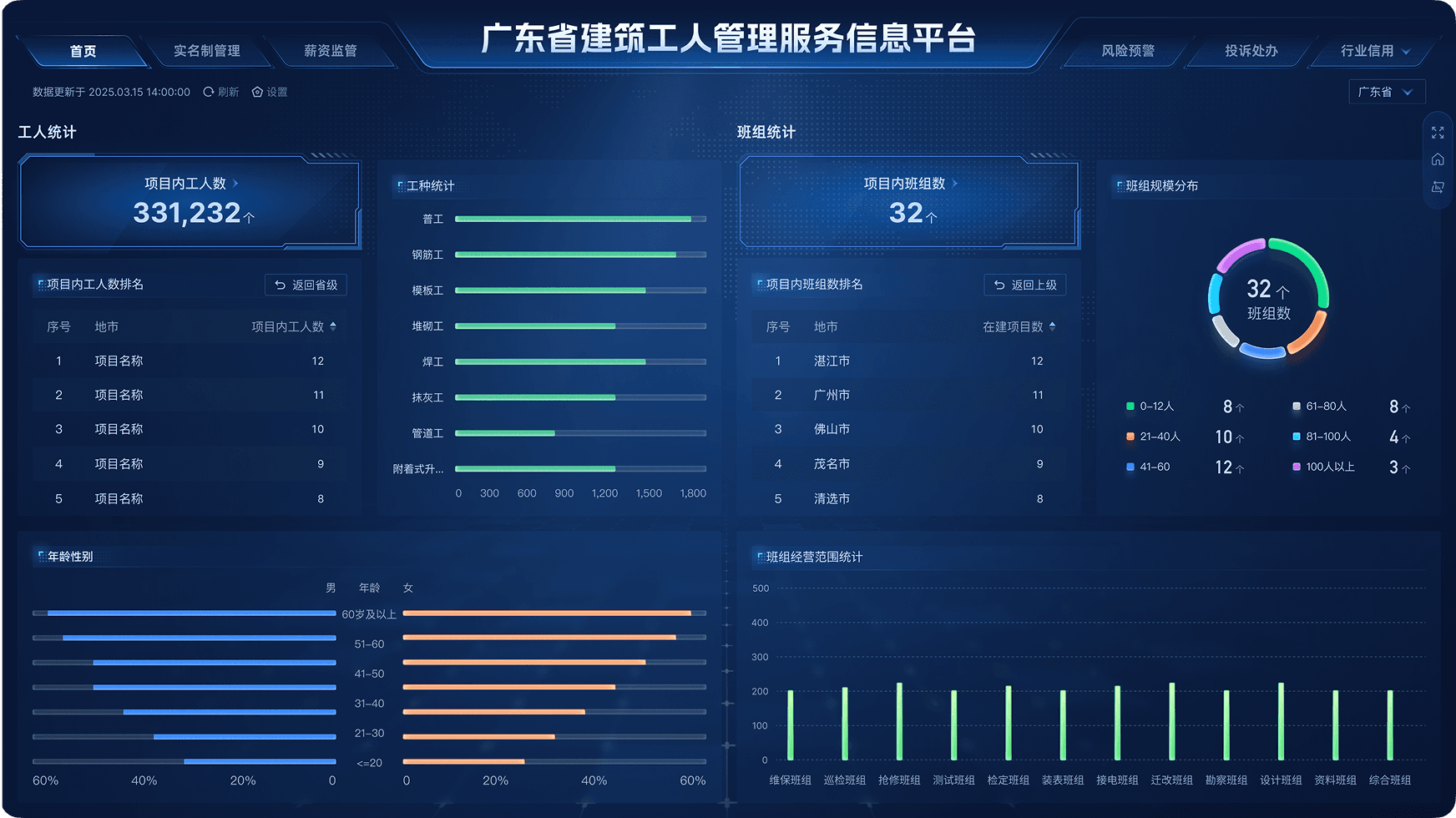
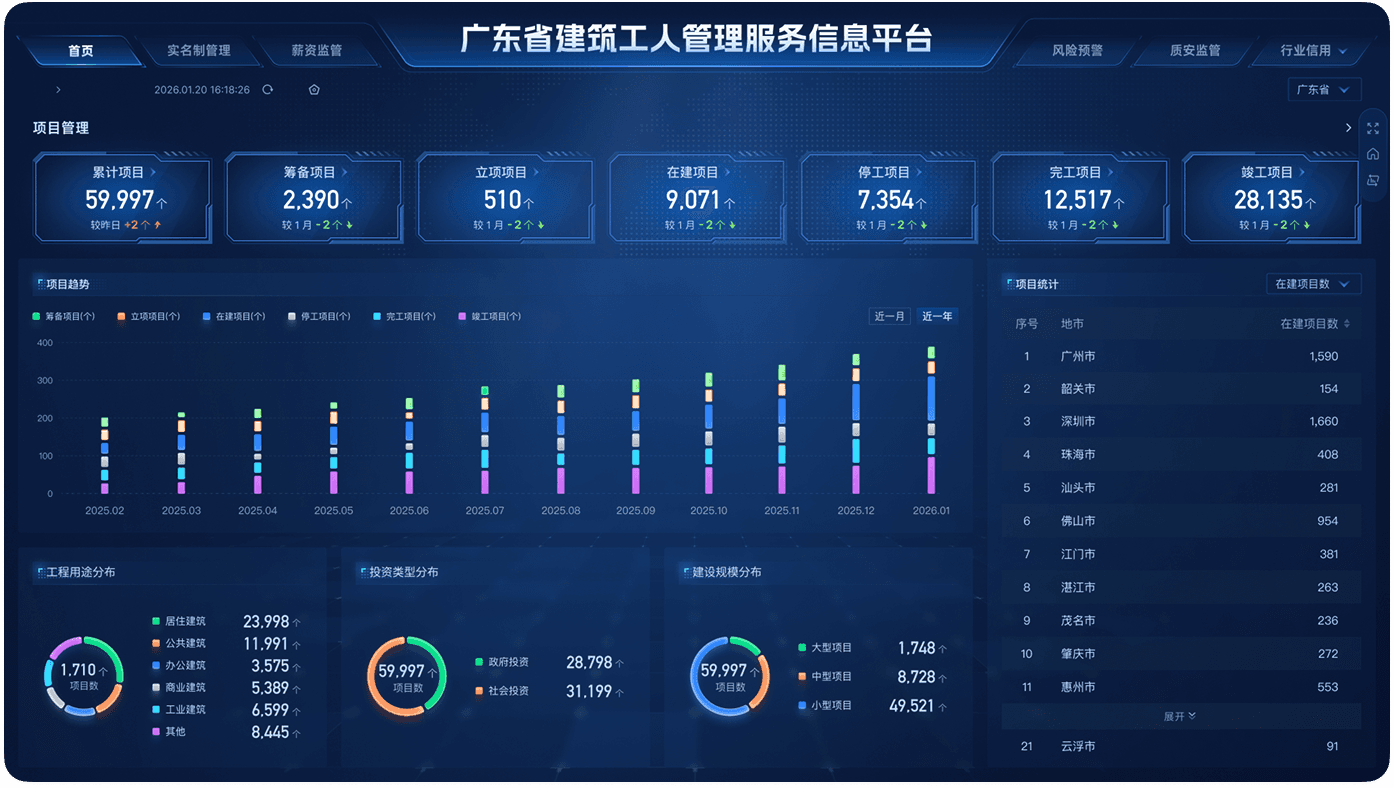
In this provincial, city, and district dashboard integration, nearly every page with charts continued to use the same jelly-like visual language, which made the full system feel more unified and recognizable.
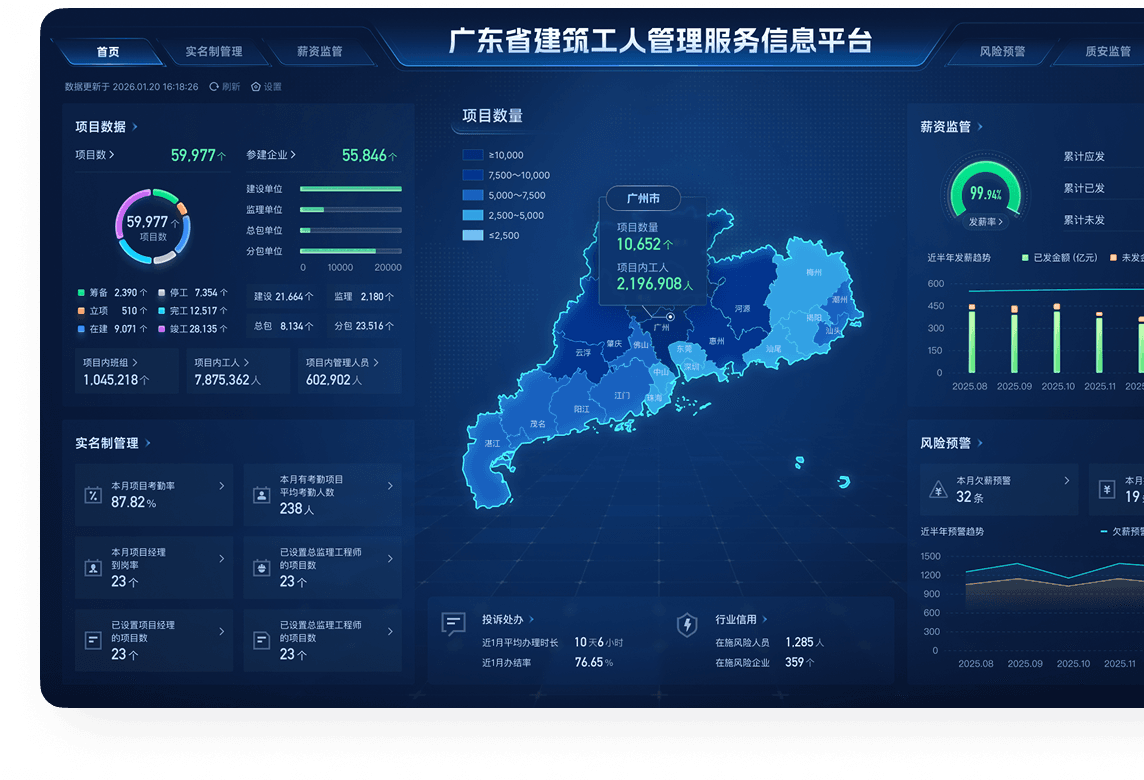
Turning a visual style into reusable component capabilities
If a visual style only lives on a single page, its value is limited. Once it enters multi-person collaboration and multi-scenario use, the real question becomes whether it can be reused consistently.
So beyond designing some of the modules, I also helped push this visual language into reusable components, such as irregular metric cards and responsive chart styles.
Design Outcomes
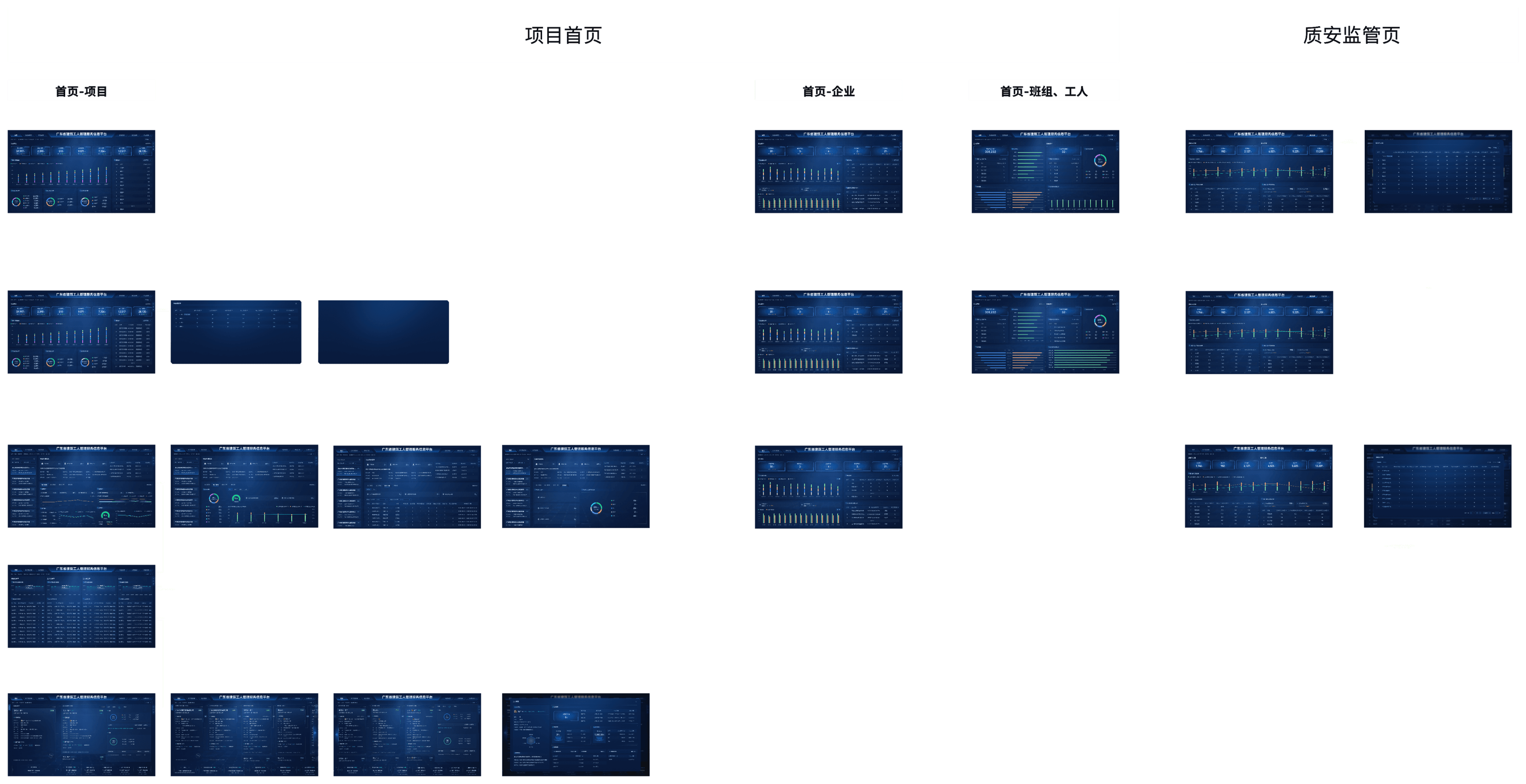
The following section summarizes the full-page designs I was responsible for on the project homepage and quality/safety supervision module.
Project Retrospective
Beyond completing the specific modules I was assigned, my value in this project was mainly reflected in four areas:
Extending the visual language
Extended the chart style defined earlier into this provincial, city, and district dashboard project

Supporting componentization
Turned frequently used chart and metric modules into reusable design assets

Improving overall consistency
Helped the three dashboard levels achieve a more consistent visual expression at a larger scale

Supporting team collaboration
Reduced style drift through rules and reuse, improving team execution efficiency

This project made me realize that the value of data visualization design is not just about whether a single page is visually compelling, but whether it can establish a stable and extensible visual language. For me, the two most important takeaways were:
- From chart optimization to defining a visual language
- From page delivery to systematic implementation